🚨 Problem
A server Pod needed to access AWS S3, but the connection kept failing.
The logs looked like this:
| |
The Pod was trying to request IAM credentials from the EKS Pod Identity Agent through http://169.254.170.23/v1/credentials, but the connection timed out.
Even after allowing egress traffic to 169.254.170.23 on port 80, the issue continued.
The traffic was not visible in Hubble UI either.
🔐 What is EKS Pod Identity?
EKS Pod Identity is a newer way to assign IAM roles to Pods in EKS.
The Pod Identity Agent runs as a daemonset, one per node, and Pods request credentials from the node-local link-local address 169.254.170.23. \
The flow works like this:
- A Pod is created using a ServiceAccount connected through an EKS Pod Identity association.
- EKS automatically injects environment variables and a token volume into the Pod manifest. Environment variables:
| |
Token:
| |
- A token is created at
/var/run/secrets/pods.eks.amazonaws.com/serviceaccount/eks-pod-identity-token. - The Pod is scheduled onto a node.
- The SDK requests credentials from the Pod Identity Agent.
- If the default credential provider chain is used, it uses Pod Identity.
- It calls the node-local link-local endpoint
http://169.254.170.23/v1/credentials.
- The Pod Identity Agent calls the EKS Auth API using the
AssumeRoleForPodIdentityaction.- The EKS Auth API issues credentials for the IAM role.
- The Agent returns the credentials to the SDK.
Comparison with IRSA(IAM Role for ServiceAccount)
IRSA is the traditional way to provide credentials to Pods in EKS.
With IRSA, the Pod accesses STS directly.EKS Pod Identity has these advantages:
- Simpler architecture
- Better reusability
- No need to manage an OIDC provider
- IaC-friendly, for example managing associations with Terraform
IRSA has these advantages:
- Existing system compatibility
- Cross-account compatibility
- Support for non-EC2 Linux environments, such as Fargate, Outposts, and EKS Anywhere If you only use EC2 Linux nodes, Pod Identity is currently the recommended option.
EKS Pod Identity is installed automatically in EKS Auto Mode, and it can also be installed manually as an add-on.
🛡️ Configuring CiliumNetworkPolicy Egress FQDN Rules
Traffic targeting the node-local link-local address 169.254.170.23 is identified as traffic to the host destination.
That means it must be allowed with the host entity in CNP.
Assuming the Pod accesses S3, you can create a CNP like this:
| |
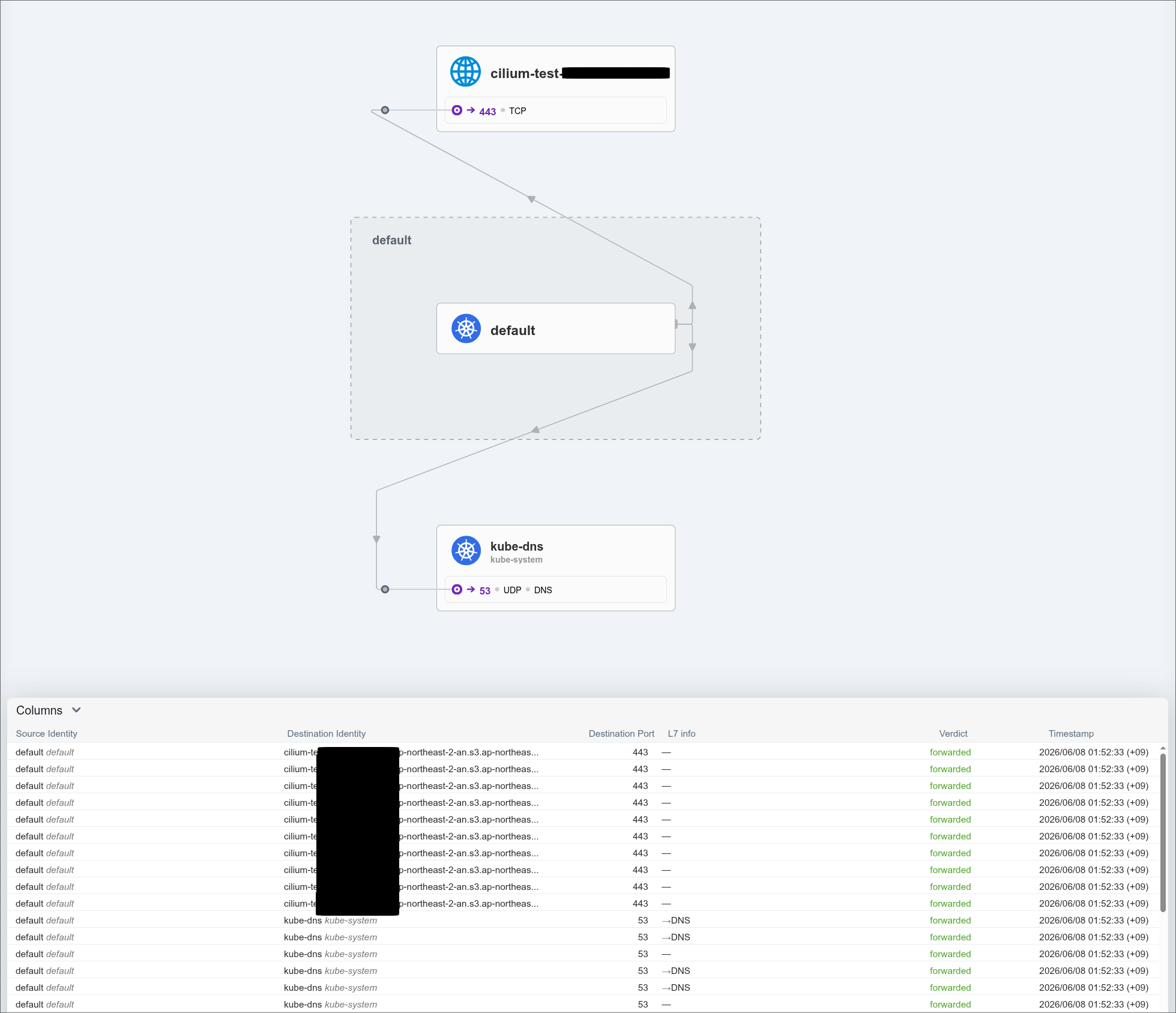
In Hubble UI, the traffic is allowed like this.